As fire departments continue to adopt the National Emergency Response Information System (NERIS), maintaining accurate data about your stations and units is important for proper reporting and resource management. The NERIS platform centralizes your department’s core information, also known as ‘entity data’.
If you need to update your station details or add/remove units, the process is relatively straightforward. That said, I’ve seen many fire departments add stations but fail to add units/apparatus. Furthermore, once stations are added, many firefighters then find it hard to locate where to edit stations, and add those units.
Here’s a simple guide to navigate the NERIS portal and make those changes.
Follow these steps to access and edit your department’s station and unit information:
Log in to NERIS: Start by logging into your department’s NERIS account.
See Memberships: Once logged in, look towards the middle-bottom of the main dashboard and click on your Department Name within “Memberships” (and often it is the only one.) This will take you to your department’s profile page.
Enter Edit Mode: In the upper-middle-right corner of the department profile page, click the “Edit” button. This will unlock the fields for editing.
Find the “Stations” Section: Scroll down the page. You will find the “Stations” section, which lists all the stations registered for your department.
Edit a Station: To the right of the station you wish to edit, click the vertical “dot-dot-dot” (i.e. ⋮ ) menu icon on the right. Select “Edit / View” from the dropdown menu to open the station’s details.
Find the “Units” Section: Inside the station’s detail page, scroll down to find the “Units” section. Here you can add, edit, or remove apparatus and other units associated with that station.
Keeping your stations and units updated in NERIS ensures that your incident reports accurately reflect the resources used. This data is vital not only for your department’s internal records and ISO ratings but also contributes to the national data set, helping to identify trends and allocate resources more effectively across the country.
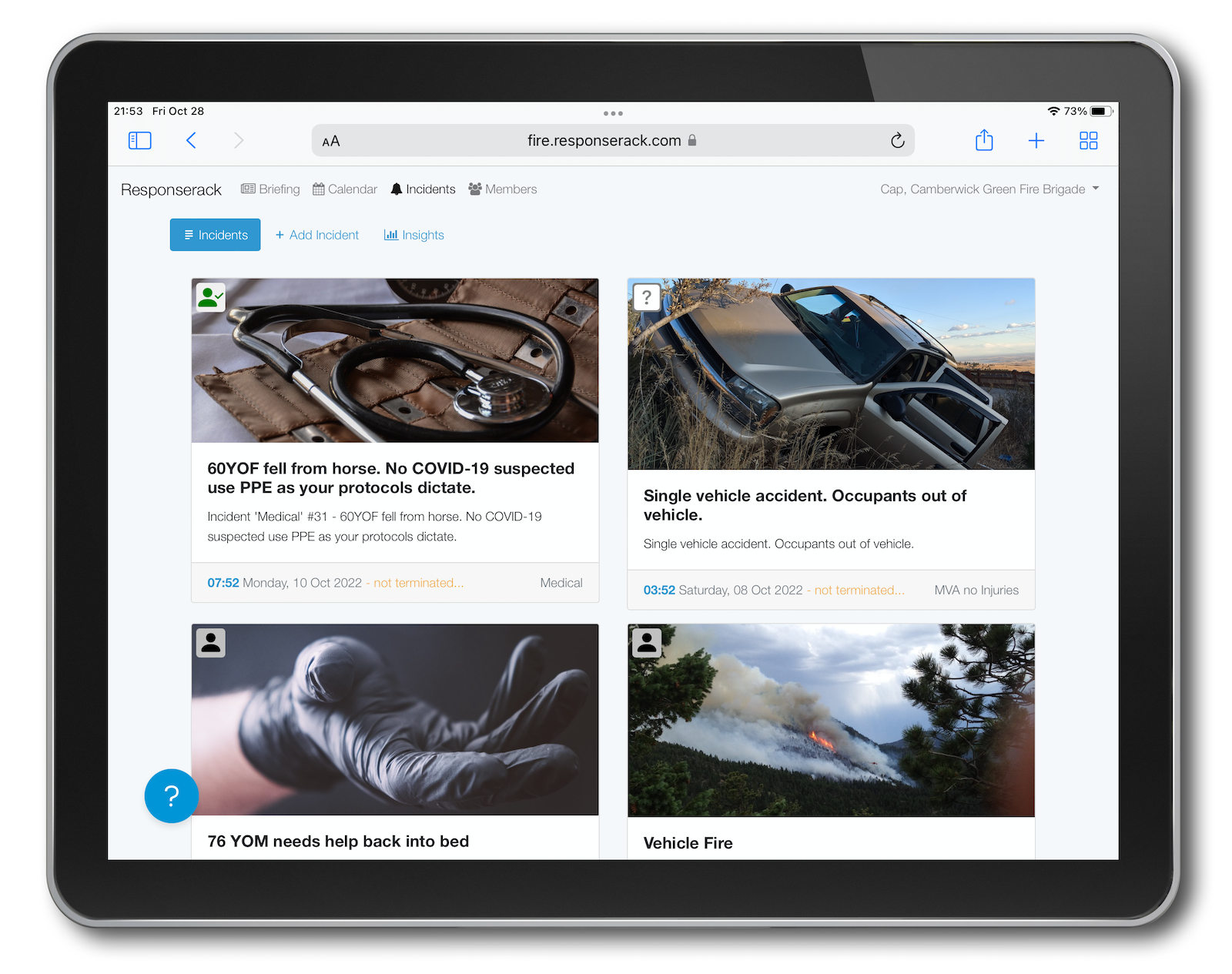
With Responserack, we simplify the entire NERIS reporting process, but it’s still good practice to know how to manage your core department data directly in the NERIS system.
One more of the benefits of NERIS being brought/designed up-to-date, is that the apparatus types are modernized. NERIS includes drones (UAVs, and more), UTVs, and much more. Check out these NERIS Apparatus Types
Sign up to hear more from Responserack on Volunteer Fire Departments, USFA NERIS and USFA NFIRS.
Responserack provides services for volunteer fire departments; member information services, incident reporting, NFIRS and so much more.